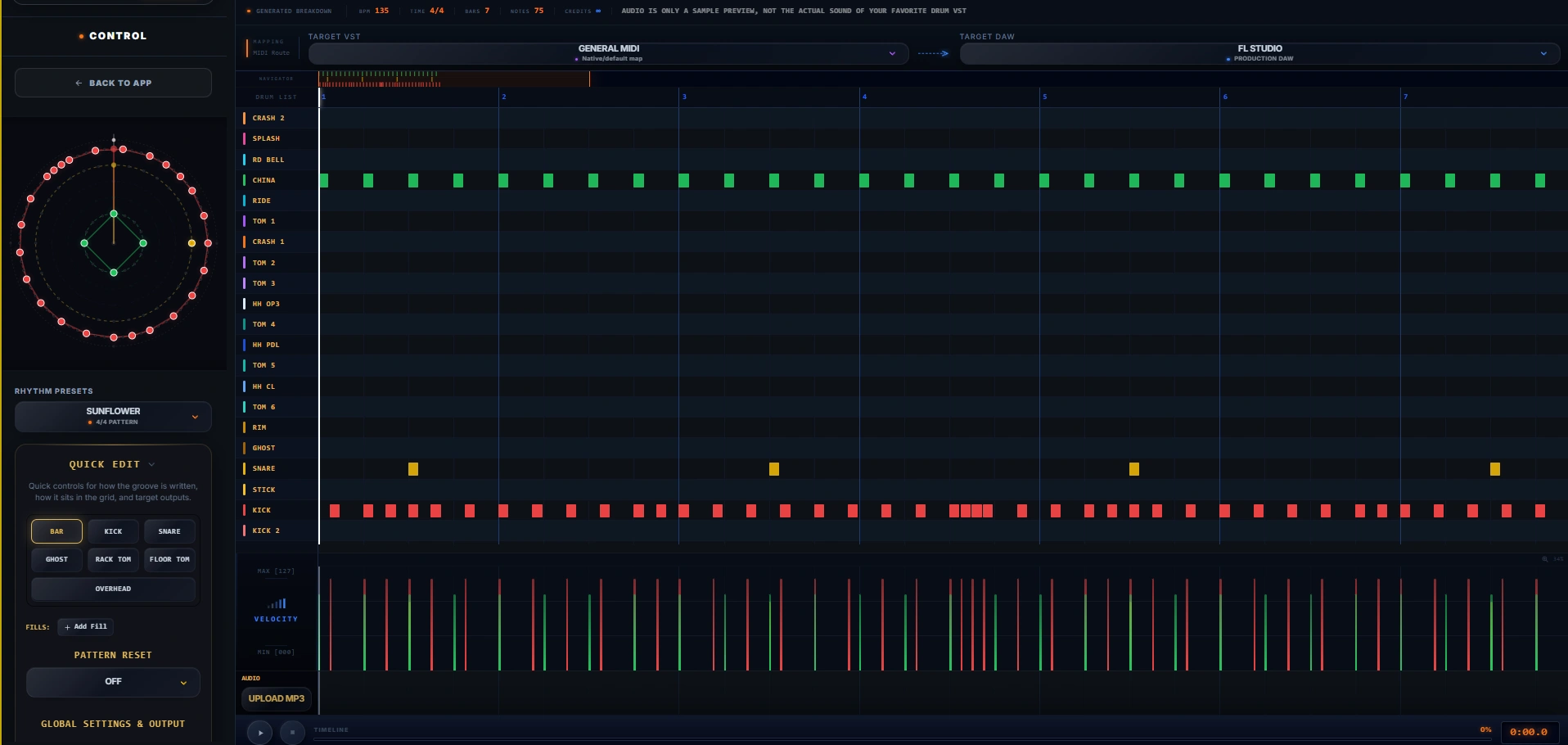
We are excited to announce a massive upgrade to our Drum Pattern Generator! This isn't just an update; it's a complete workflow for producing complex, realistic drum grooves using our visual Polyrhythmic Engine. Welcome to the Advanced Drum Pattern Generator.
1. The Polyrhythmic Geometry Engine
Forget the traditional piano roll grid. We use visual geometry to create rhythms. It's mathematical, but incredibly intuitive.
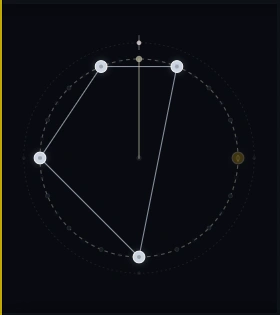
Editable Geometry: Simply drag the corners of the polygons to manipulate the rhythm visually.
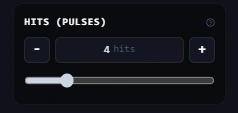
- Hit Pulses: Determines how many drum hits happen within a cycle. Increase pulses for faster, denser beats.
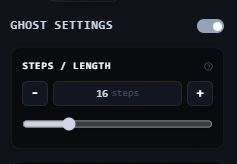
- Length Setting (Steps): Set the total length of the cycle. You can create wild polyrhythms by setting the snare length differently from the kick length.
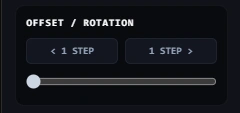
- Offset Rotation: Rotate the shape to push or pull the rhythm. Perfect for creating syncopated, off-beat djent or math-rock grooves.
2. Advanced Instruments (Exclusive to PRO)
Users on the UNLIMITED and Producer BUNDLE plans now have access to advanced drum kit elements.
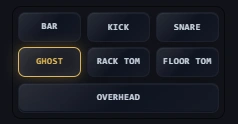
- Ghost Notes: Bring your snare to life with mathematically distributed, low-velocity ghost hits.
- Rack & Floor Toms: Integrate aggressive tom fills and tribal patterns effortlessly.
3. Precision Control: Fills & Pattern Reset
A good drum track needs structure and variation.
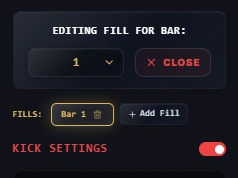
Per-Bar Drum Fills: Add fills exactly where you want them. Inside a fill, instrument settings are independent! You can use a Crash cymbal for your main loop but a Splash for your fill without breaking the main pattern.
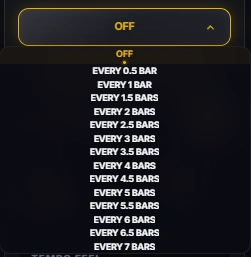
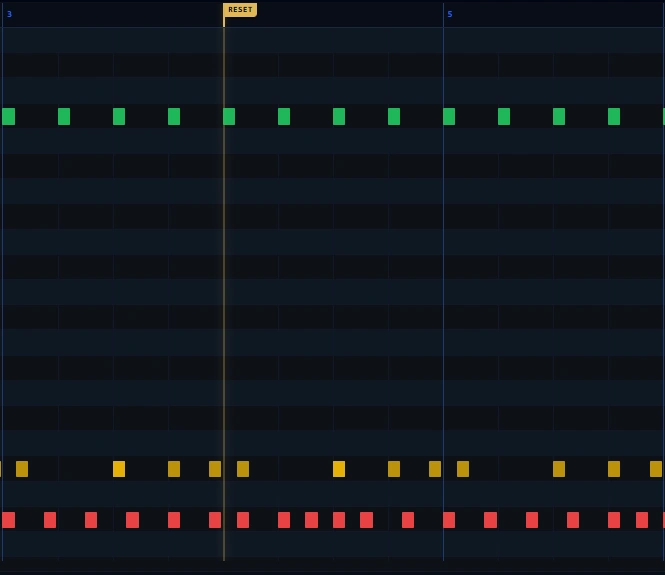
Smart Pattern Reset: If your polyrhythms get too wild, use Pattern Reset to force the loop to restart every X bars. This anchors your rhythm and makes it predictable for the rest of the band.
4. Seamless Integration
We've made sure this fits perfectly into your production workflow.
- Upload Reference MP3: Drop your guitar riff directly into the app so you can write the drum groove along to your actual song!
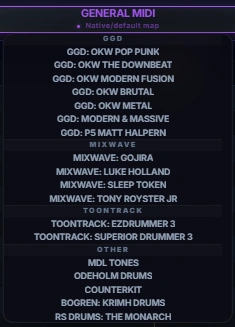
- VST Target Mapping: Once you're done, select your favorite VST (GGD, Mixwave, Krimh, etc.) and DrumRemap will instantly map the generated MIDI to match perfectly.