You don't need a huge budget for pro drum MIDI. In 2026, some of the best grooves are hidden in free sampler packs from top developers. The catch? They are usually locked to one specific VST map.
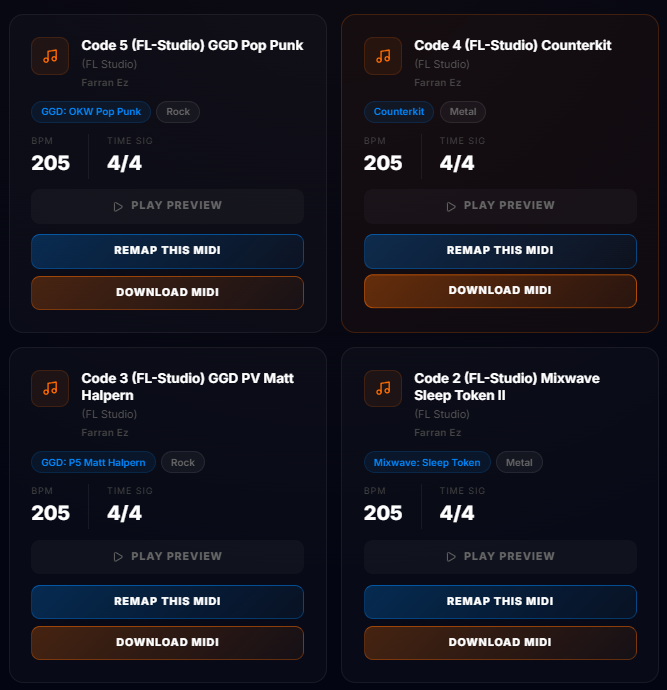
If you're tired of downloading a great groove only to hear a china cymbal instead of a kick, here are the top 5 free packs you need to grab right now, and how to make them work with your setup.
1. The GetGood Drums "Groove Monkee" Sampler
GGD often collaborates with Groove Monkee to provide high-velocity, genre-specific MIDI. These are perfect for modern metal and rock.
Mapping: Built specifically for GGD Modern & Massive or PIV. If you’re using EZdrummer 3, you’ll need to remap the snare and toms.
2. Toontrack Freebie Collection
Occasionally, Toontrack offers free MIDI snippets for EZdrummer users. These are recorded by world-class session drummers.
Mapping: Follows the EZD standard. It will sound "close" in other VSTs but will likely have hi-hat articulation issues without translation.
3. Groove Monkee "Free Loop" Pack
One of the most generous freebies available. It covers everything from Blues to Prog Metal.
Mapping: Usually provided in GM (General MIDI) format. While "safe," it won't trigger the advanced articulations (like rimshots or bell hits) in modern plugins like Mixwave Benny Greb without a custom map.
4. OddGrooves Free Pack
If you want complex time signatures and "human" feel, OddGrooves is the king. Their free pack is small but incredibly high quality.
Mapping: Also uses a proprietary mapping that often conflicts with standard DAW layouts.
5. The DrumRemap "Curated" Collection
We’ve scoured the web and recorded our own sessions to build a library that is ready for production.
Check it out here: Free Drum MIDI Library
How to Map Any Free MIDI Pack in Seconds
Don't let a mapping mismatch stop you from using these world-class loops. Here’s the 3-step workflow to use any free pack with your favorite VST:
- Identify the Source: Check the README file of the free pack. It usually says "Formatted for GM" or "EZD Compatible."
- Translate: Load the MIDI into DrumRemap, set your source and target, and let the engine reassign the notes.
- Import: Drag the perfectly mapped file into your DAW.
Stop fighting your Piano Roll. Start building your track.